%20123%20(1)%20(1).jpg?rect=0,1875,4000,2250&w=3200&h=1800&fit=min&auto=format&q=90)
Social media accessibility
The barrier
Social media is for everyone. At least, it should be! But so much of the content on everyone’s favourite platforms is not accessible for people with low vision or blindness. This means that people are left out of conversations or excluded from making social connections. In this very visual space, people and brands often aren’t aware of the small things they could be doing to make their content more accessible, such as adding written image descriptions, using more accessible fonts and hashtags.
The solution
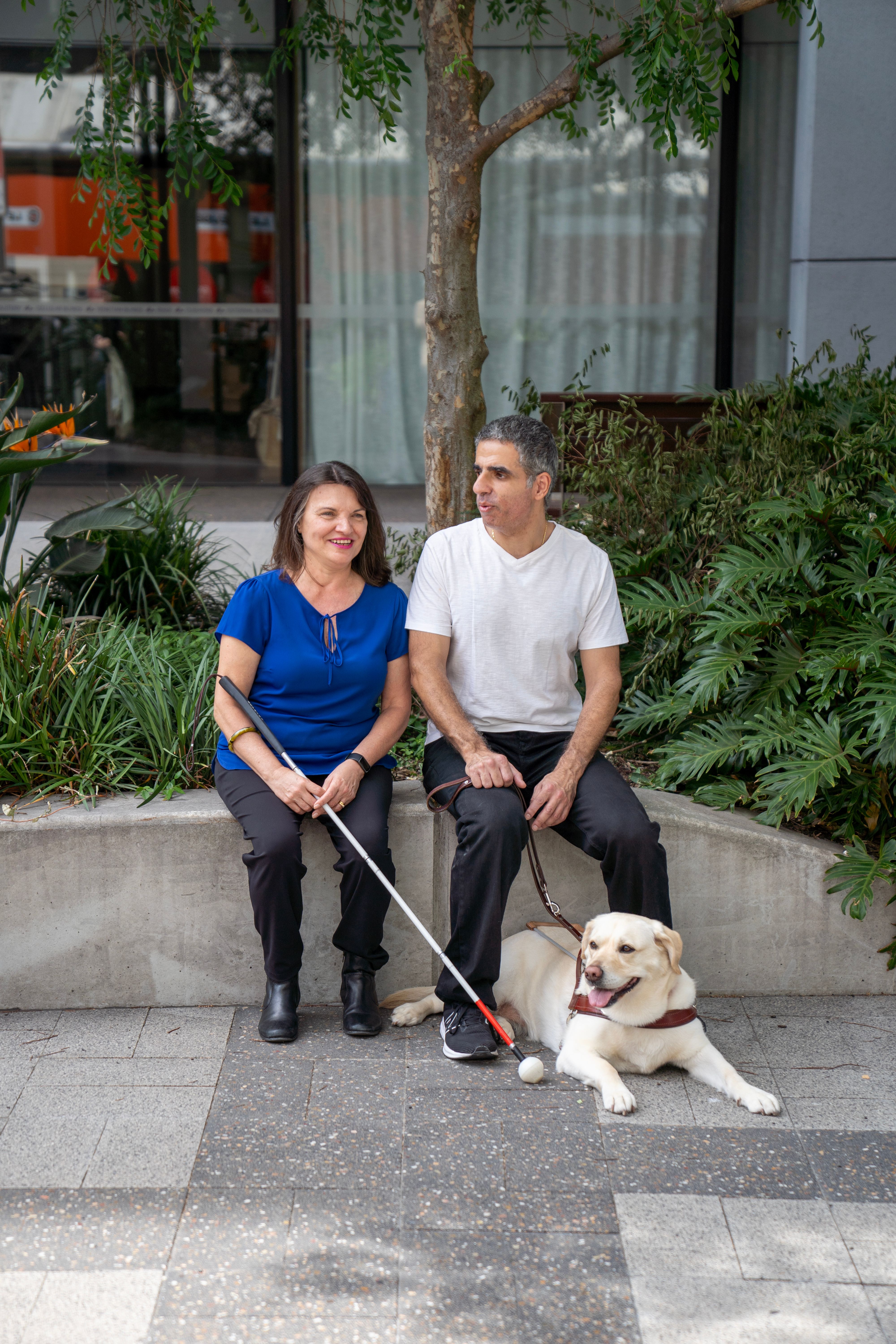
Guide Dogs is on a mission to create a Boundless World for people with low vision or blindness by removing the barriers that get in the way of accessing and enjoying the world. This includes making social platforms a little easier to navigate and digest.
That’s why we’ve created these best practice guidelines for content creators, media agencies and creative agencies to make sure that you’re making your social content as accessible as possible for people with low vision or blindness. These guidelines are relevant for all platforms and they are easy to put into action. Jump in below!

Social media accessibility guidelines.
1. All my images have written descriptions
2. All my videos and GIFs have written descriptions
3. My alt text includes all the right details
4. I have included audio description on my videos where possible
5. I’ve used high-contrast colours for text in my graphics
6. I’m not using colour alone to convey meaning
7. My image backgrounds aren’t overly complex
8. My hashtags are all written in CamelCase
9. I’ve left tags and hashtags to the end of my caption
10. I’ve used emojis sparingly
11. I have used standard/system fonts
12. I’ve used proper grammar
13. I’ve avoided using strobe effects, or included a warning if I have
14. My content warnings are big/obvious
15. I’ve checked accessibility advice for different platforms
Social media accessibility checklist
Need a quick reference version of our guidelines to keep with you while you’re creating? Download this checklist(opens in new tab) and refer to it every time you’re uploading your latest creations.


%20023.jpg?rect=334,0,5333,4000&w=3200&h=2400&fit=min&auto=format&q=90)
.jpg?rect=200,0,3200,2400&w=3200&h=2400&fit=min&auto=format&q=90)
